01 / idea
Hair, fabric, and plants
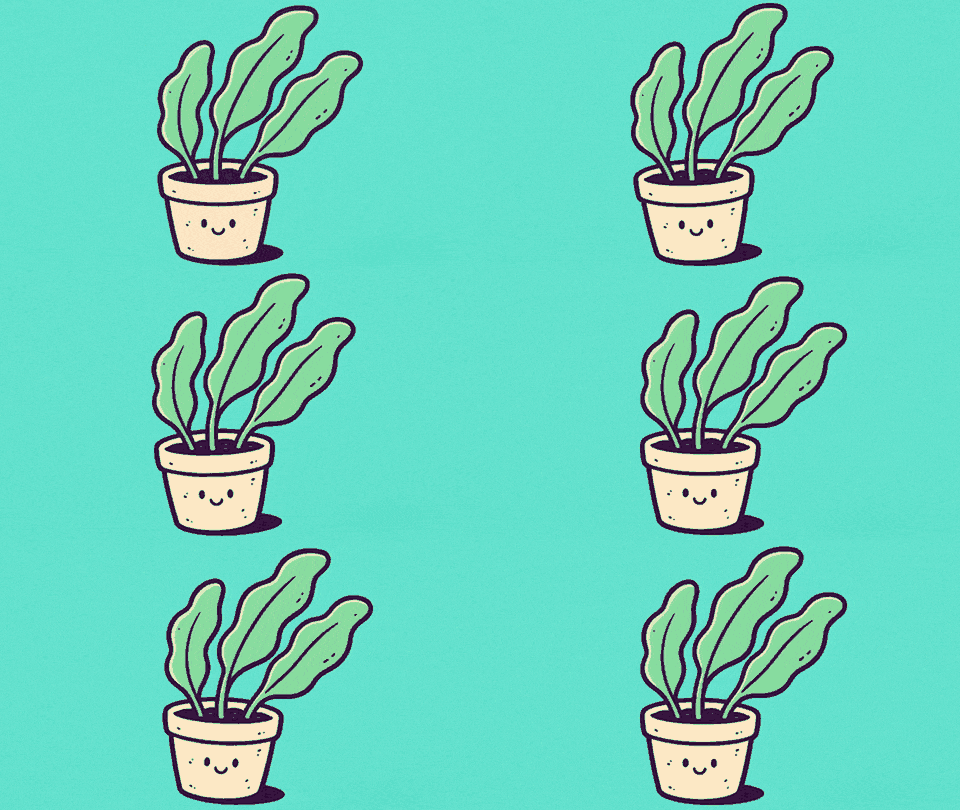
Give hair tips, ribbons, sleeves, leaves, or other flowing edges a calm side-to-side motion.
Mask tip
Paint the loose ends, but leave roots, stems, and seams still so the motion has somewhere to settle.
Purupuru Maker · by WobbleImage
Paint the part you want to move, pull it around, and save the result as a looping GIF or WebM — without uploading your image.
An independent image wobble tool by WobbleImage. Not affiliated with the original Purupuru Maker.
Local motion lab
Choose a JPG, PNG, or WebP, then paint the exact part you want to make soft, bouncy, or strange.
JPG · PNG · WebP
Images up to 20 MB
Six motion styles
From wobble to pulse
GIF · WebM
3, 5, or 10 second loops
No upload
Everything stays in this tab
Start with the subject
The cleanest wobble usually comes from one flexible detail and a still anchor. Pick a familiar starting point, then make it your own in the studio.
01 / idea
Give hair tips, ribbons, sleeves, leaves, or other flowing edges a calm side-to-side motion.
Mask tip
Paint the loose ends, but leave roots, stems, and seams still so the motion has somewhere to settle.
02 / idea
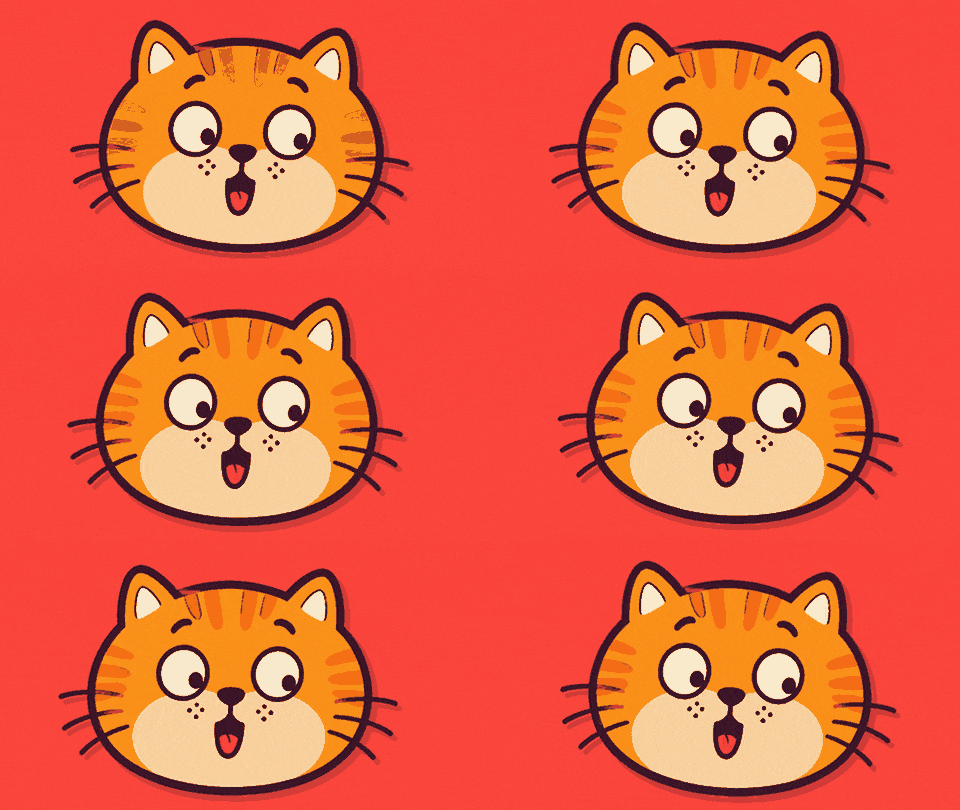
Add a quick reaction to an ear, tail, cheek, paw, or another small soft detail.
Mask tip
Keep the mask compact and leave the point where the detail joins the body outside the painted area.
03 / idea
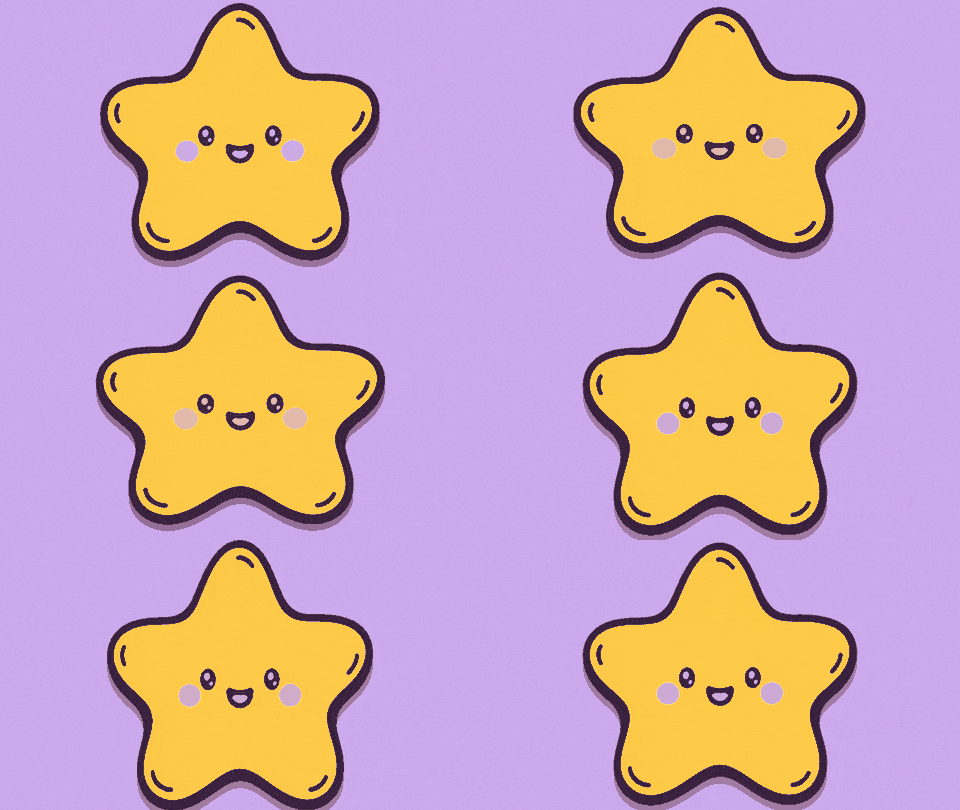
Turn a mascot, emoji-style illustration, or reaction image into a playful looping animation.
Mask tip
Paint one connected shape and leave a slim still border when you want the outline to stay readable.
04 / idea
Make a label, charm, soft package, topping, or drink illustration bounce without disturbing the whole shot.
Mask tip
Use restrained strength on product images so text, logos, and the main silhouette remain easy to recognize.
Paint · pull · pop
The interface stays out of the way so you can go from a still image to a shareable loop in a few gestures.
Brush over hair, ears, fabric, cheeks, a pet belly, or any object that should move.
Choose a motion, adjust its energy, or drag the image yourself and watch it spring back.
Record a short WebM or turn it into a looping GIF, all without sending the image away.
Six distinct motions
Each preset moves the painted pixels in a different way. Start with the subject, choose the closest motion, and then fine-tune strength and speed.
A balanced elastic motion that works well when you are not sure where to start.
Cheeks · soft props · general motion
Open presetA short, quick shake with playful meme energy.
Ears · memes · small details
Open presetA clearer up-and-down movement with a springy return to the resting position.
Tails · mascots · accessories
Open presetA calmer side-to-side drift for details that already look light or flowing.
Hair · leaves · fabric
Open presetA soft squish-and-rebound motion for rounded subjects and connected shapes.
Stickers · cheeks · plushies
Open presetA steady expansion and contraction that feels more like breathing than shaking.
Icons · glows · soft objects
Open presetMade for where you’ll share it
Choose WebM for websites and video posts; GIF works best for chats, forums, and reactions.
Faster and clearer
Best for websites, video posts, and shares where image detail matters.
Easy to send
Best for chats, forums, reactions, and places built around image sharing.
Start with a 3-second loop
Longer exports need more time and device memory.
Better masks, better motion
A good mask does not have to cover the whole subject. Paint the flexible detail, preserve its connection point, and give the deformation a clean boundary.
Paint hair tips, an ear, a tail end, or the edge of fabric before expanding the mask.
Leave roots, seams, stems, and joints still so the moving area stays attached to the image.
Reduce brush size around outlines to avoid pulling nearby background pixels into the motion.
If the shape stretches too far, lower strength before repainting an otherwise clean mask.
Private by construction
Loading, masking, animation, recording, and download happen locally in your browser. There is no account, cloud project, or hidden upload queue.
0
images uploaded
1
browser tab needed
∞
silly ideas allowed
Get clear answers about Purupuru Maker, local processing, and browser export limits.
It is a lightweight image animation tool: you paint a motion area, apply a springy effect, and export the result as a short loop.
No. This is an independent tool made by WobbleImage and is not affiliated with the original Purupuru Maker.
No. Image decoding, mask painting, animation, recording, and download happen locally in your browser.
JPG, JPEG, PNG, and WebP images up to 20 MB are supported. Very large pixel dimensions are limited to protect browser memory.
The browser first records the motion and then builds the GIF frame by frame. WebM is faster and usually produces a smaller file.
Yes. The editor supports touch painting and dragging, though shorter exports and smaller images are more reliable on low-memory phones.
No generative AI is used. You paint the motion area yourself, and a browser-based deformation renderer moves those pixels without inventing new frames or scenes.
Use a steady preset, keep strength and speed moderate, and preview the automatic motion before exporting. There is no dedicated seamless-loop lock yet, so a restrained movement usually hides the join best.
To keep browser memory and export time manageable, the working canvas uses a longest edge of up to 1600 px. GIF export is further limited to 720 px on its longest edge.